 Facebook
 Instagram
 Twitter
 Linkedin

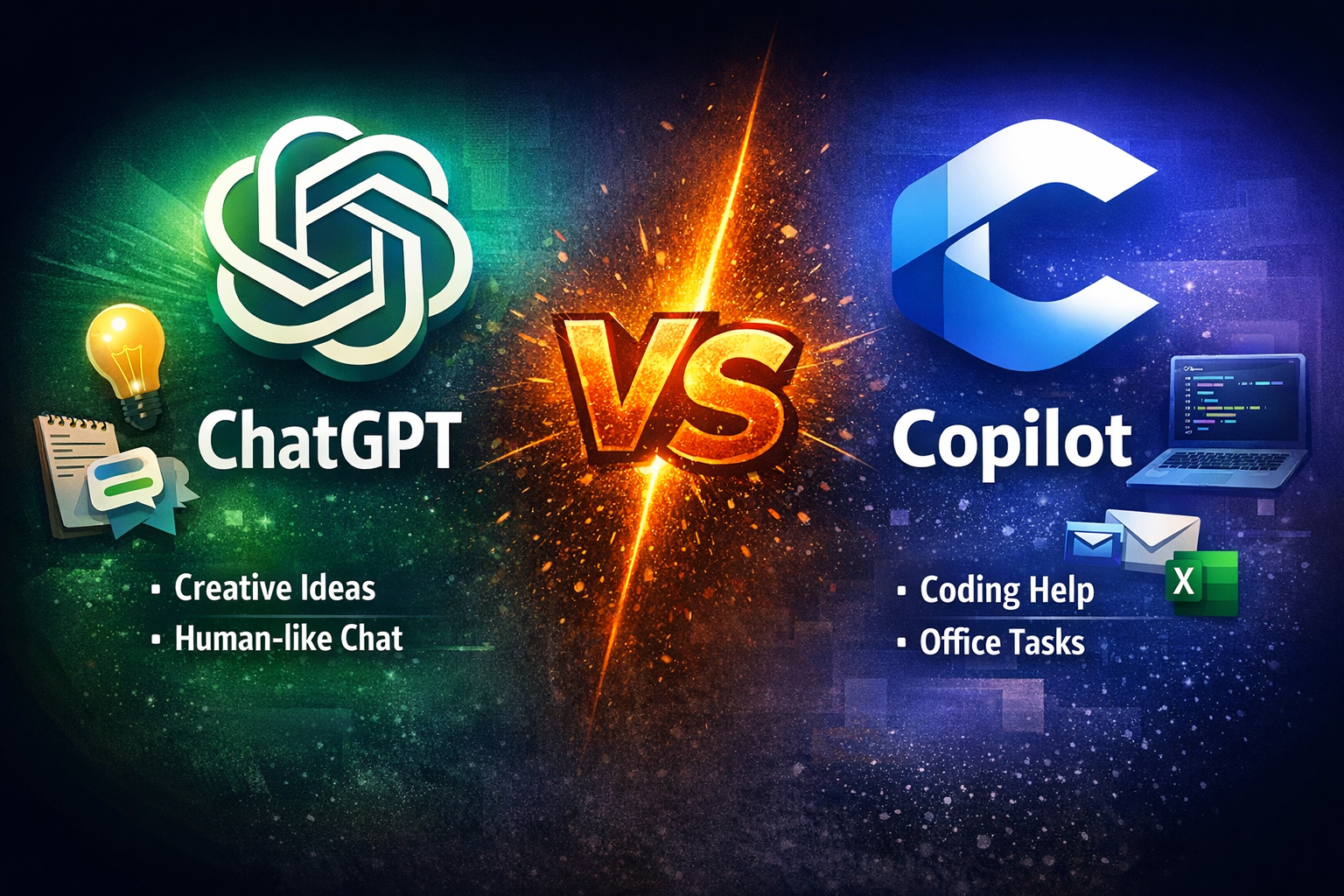
Artificial intelligence assistants are no longer experimental tools—they are daily companions for developers, writers, analysts, and business professionals. Among the most talked-about options today are ChatGPT and Microsoft Copilot. While both are powerful, they feel very different when you actually use them.
This article compares ChatGPT and Copilot from a human perspective: how they think, how they respond, and which one fits different real-world needs.
1. Core Philosophy: General Thinker vs Workplace Assistant
ChatGPT is designed as a general-purpose conversational intelligence. It is meant to think with you—brainstorm, explain, argue, simplify, and adapt its tone based on context. It feels like talking to a knowledgeable colleague who can switch roles easily.
Copilot, on the other hand, is built as a productivity assistant inside Microsoft’s ecosystem. Its primary goal is to help you work faster in tools like Word, Excel, Outlook, PowerPoint, and VS Code.
In simple terms:
- ChatGPT = thinking partner
- Copilot = task execution partner
2. Conversation Quality and “Human Feel”
This is where many users notice the biggest difference.
ChatGPT
- Responds in a natural, conversational tone
- Can adjust style: formal, casual, teaching, persuasive
- Handles follow-up questions smoothly
- Explains why, not just what
ChatGPT feels like it understands intent, not just commands.
Copilot
- More structured and concise
- Focused on completing a specific task
- Less flexible in conversational depth
- Optimized for productivity, not discussion
Copilot feels efficient—but less expressive.
3. Creativity and Idea Generation
If your work involves:
- Writing articles
- Marketing copy
- Storytelling
- Strategy brainstorming
- Explaining complex topics simply
ChatGPT clearly leads.
It can:
- Generate multiple perspectives
- Refine ideas iteratively
- Think abstractly
- Adapt tone for different audiences
Copilot can generate content, but it often feels template-driven and conservative—excellent for business documents, less so for creative exploration.
4. Coding and Technical Assistance
Copilot (Strong Advantage)
- Deep integration with VS Code
- Real-time code suggestions
- Excellent for boilerplate and repetitive patterns
- Works well when you already know what you’re building
ChatGPT (Different Strength)
- Better at explaining code
- Strong in debugging logic
- Helps with architecture decisions
- Ideal for learning and problem-solving
Summary:
- Writing code faster → Copilot
- Understanding code better → ChatGPT
5. Learning and Teaching Ability
ChatGPT behaves like a patient tutor:
- Breaks concepts into steps
- Uses examples and analogies
- Adjusts explanations if you’re confused
- Supports long learning conversations
6. Business and Office Productivity
- Copilot shines when:
- Drafting emails in Outlook
- Summarizing meetings
- Creating Excel formulas
- Building PowerPoint slides
- Working inside Microsoft 365
ChatGPT can do these tasks too, but Copilot’s native integration gives it a practical edge in corporate environments.
7. Independence vs Ecosystem Lock-In
- ChatGPT works anywhere: browser, API, multiple workflows
- Copilot works best inside Microsoft tools
If your work is not Microsoft-centric, ChatGPT offers more freedom.
Final Verdict: Which One Should You Use?
here is no absolute winner—only better alignment with your goals.
Choose ChatGPT if you want:
- A thinking partner
- Human-like conversation
- Deep explanations
- Creativity and strategy
- Learning and exploration
Choose Copilot if you want:
- Faster work inside Microsoft apps
- Code suggestions while typing
- Structured, task-oriented help
- Enterprise workflow integration



 Case studies
 Career